The best way to view your statement or to look at your balance is to log into the portal and check the Billing section.
Log onto the owner portal online at: https://portal.nrpartnersllc.com (See How to Log onto Portal for instructions on how to register).
Upon login, you will be directed to the Dashboard –
the primary home page for the owner portal.
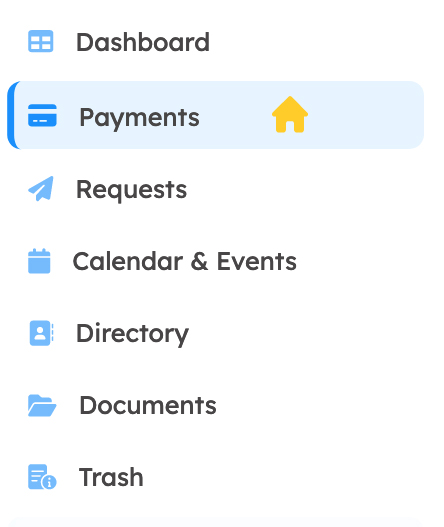
On the left hand side you will see the “Payments” link.
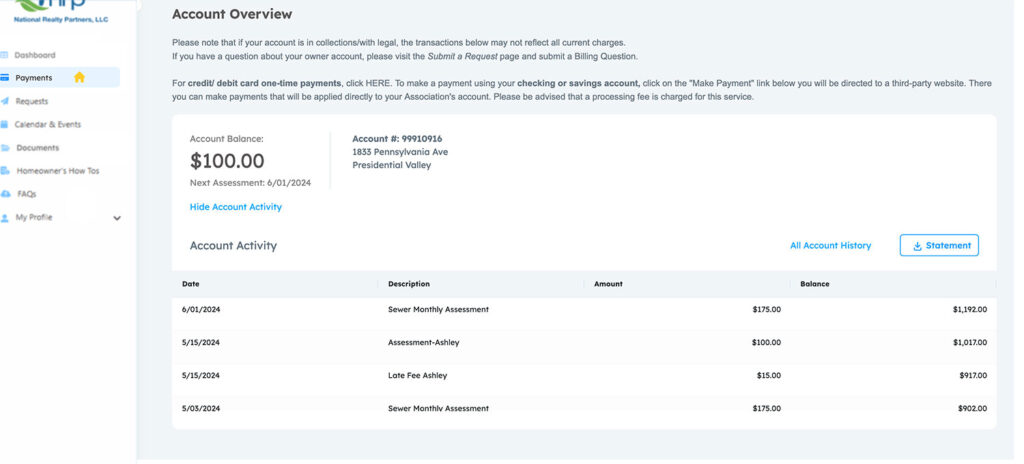
After you click that you will be taken to the “Payments” section of the website where you can see your current and past statements.